
Oscar Craven

How I work

Three loops of AI agents do my legwork. I set the job, and I make the final call.

The Build loop as a short film: how one request becomes a reviewed change. Captions are on.

The three loops, in one picture

Three loops around Oscar Oscar’s photo sits where three circles overlap. Build is at the top, Learn at the bottom left and Improve at the bottom right. An arrow runs round the edge of each circle, because each one is a loop. Build Learn Improve
  1. Build. I ask. Helper agents do the work. I merge.
  2. Learn. I send a link from my phone. Agents file it. A brief comes back.
  3. Improve. A session ends. Its lessons are kept. The next one starts from them.
Every loop starts and ends with me. The film shows the Build loop.

The short version

What it is
Three loops of AI agents that do my legwork.
Who for
Me first. Any builder can copy the pattern.
What I do
I set the job, watch the work and make the final call.
What happens
Agents research, write code and file my notes. I review and merge.
What I’d change
Keep repeating jobs to one agent. A homelab test I parked showed why.

The short version ends here. The long read starts below.

The film, frame by frame

Six frames from the film of the Build loop. Each one carries its line of narration.

  1. Frame 1: a person at a laptop, with a speech bubble above them.
    Frame 1 of 6. I describe the job once, in plain words.
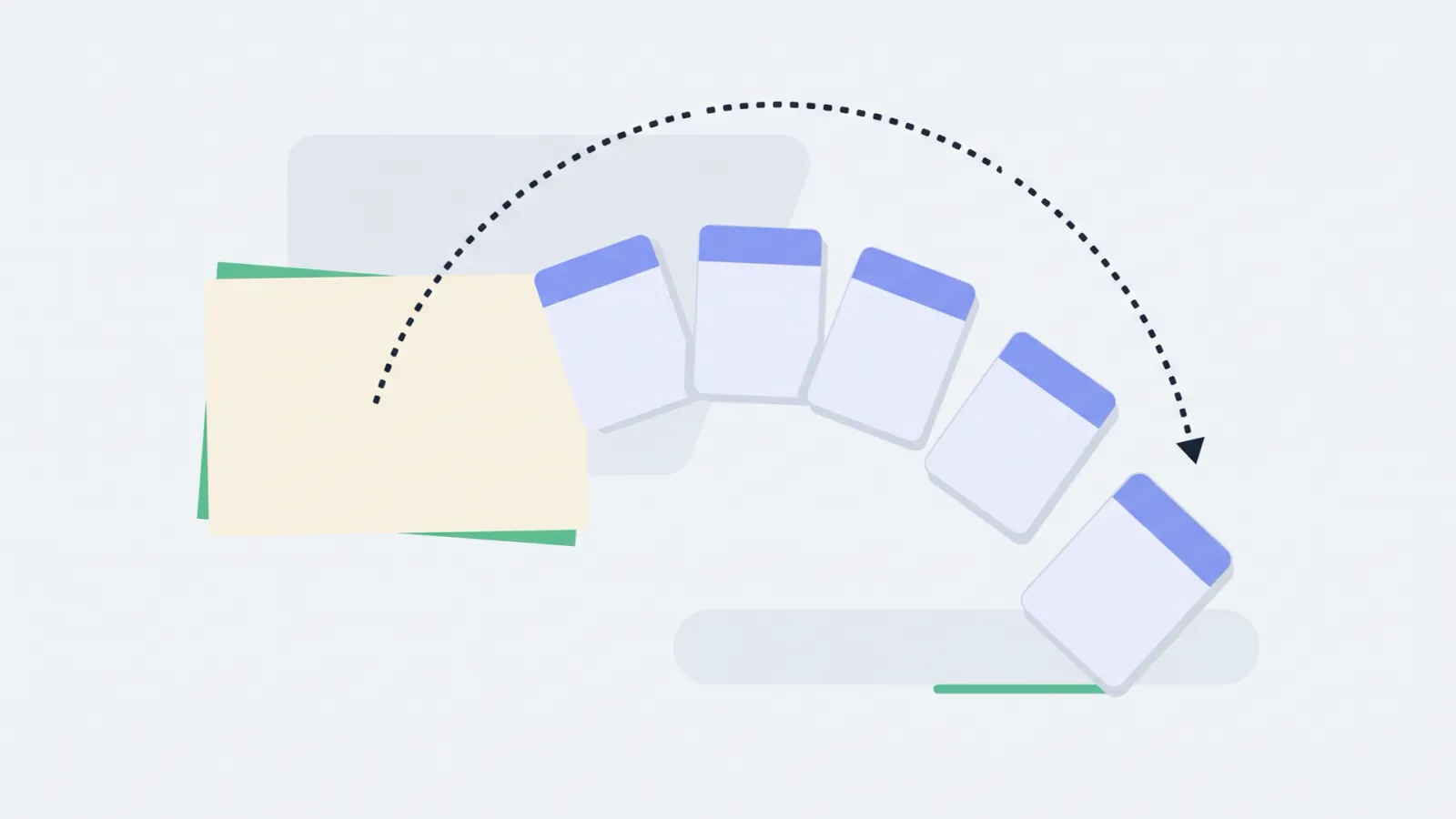
  2. Frame 2: one note dealt out as five smaller cards.
    Frame 2 of 6. A lead agent turns it into a short brief for each helper.
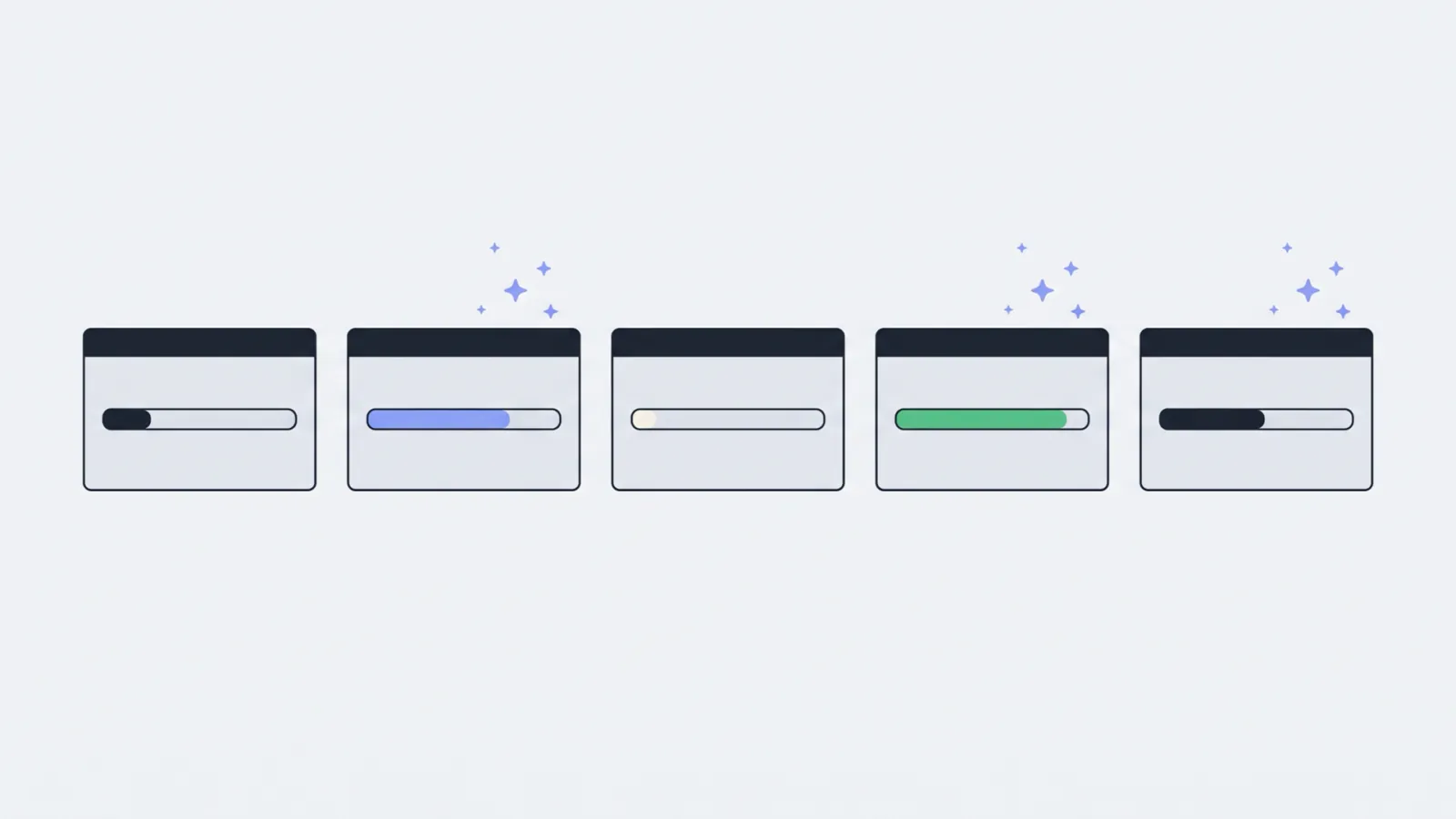
  3. Frame 3: five small windows side by side, each with a progress bar.
    Frame 3 of 6. The helpers work side by side. I can watch each one.
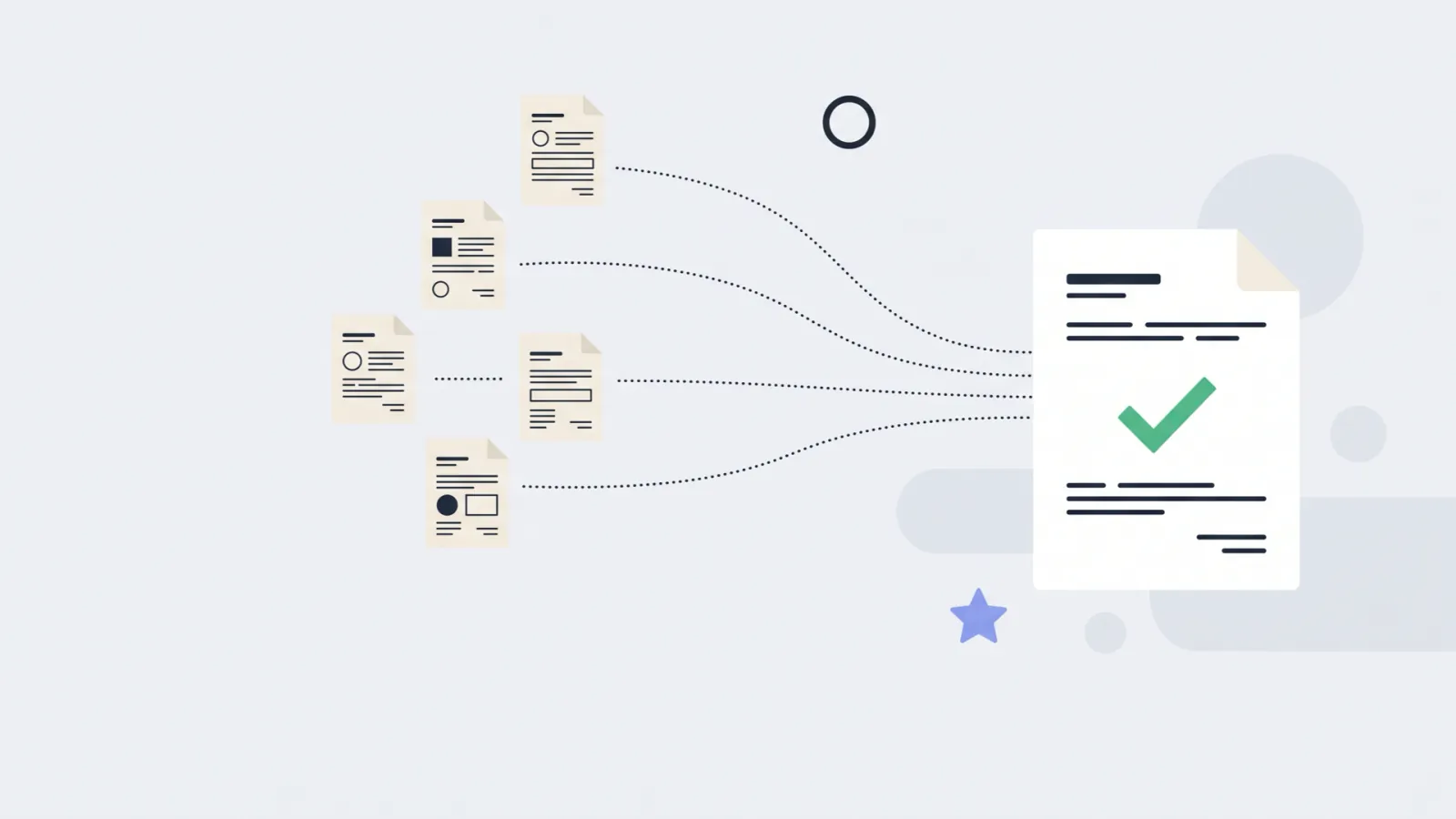
  4. Frame 4: five sheets of paper flowing into one document with a tick.
    Frame 4 of 6. Findings come back as files. The lead agent combines them.
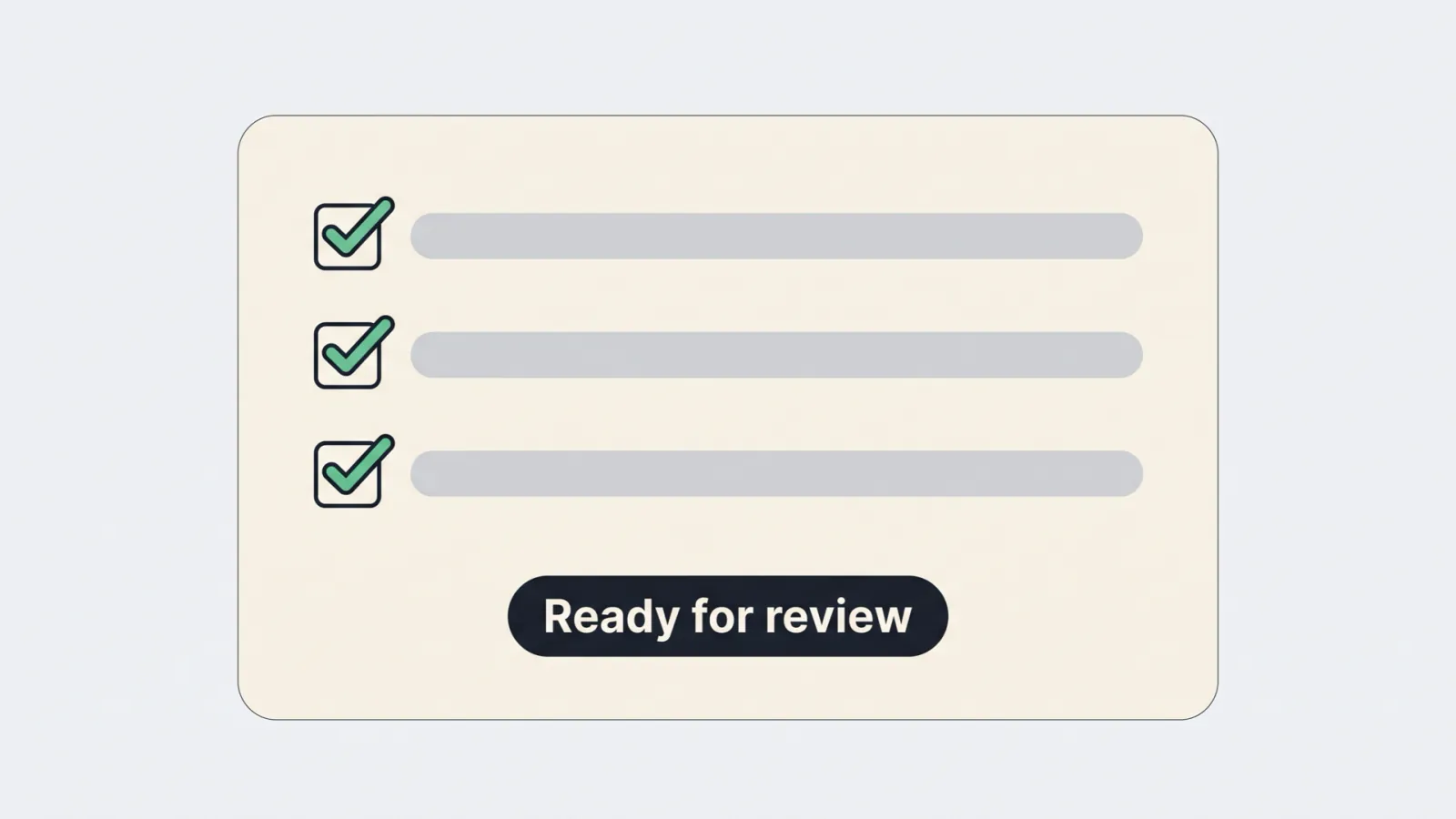
  5. Frame 5: a checklist with every box ticked and a label that says ready for review.
    Frame 5 of 6. If code changed, checks run. The change waits for review.
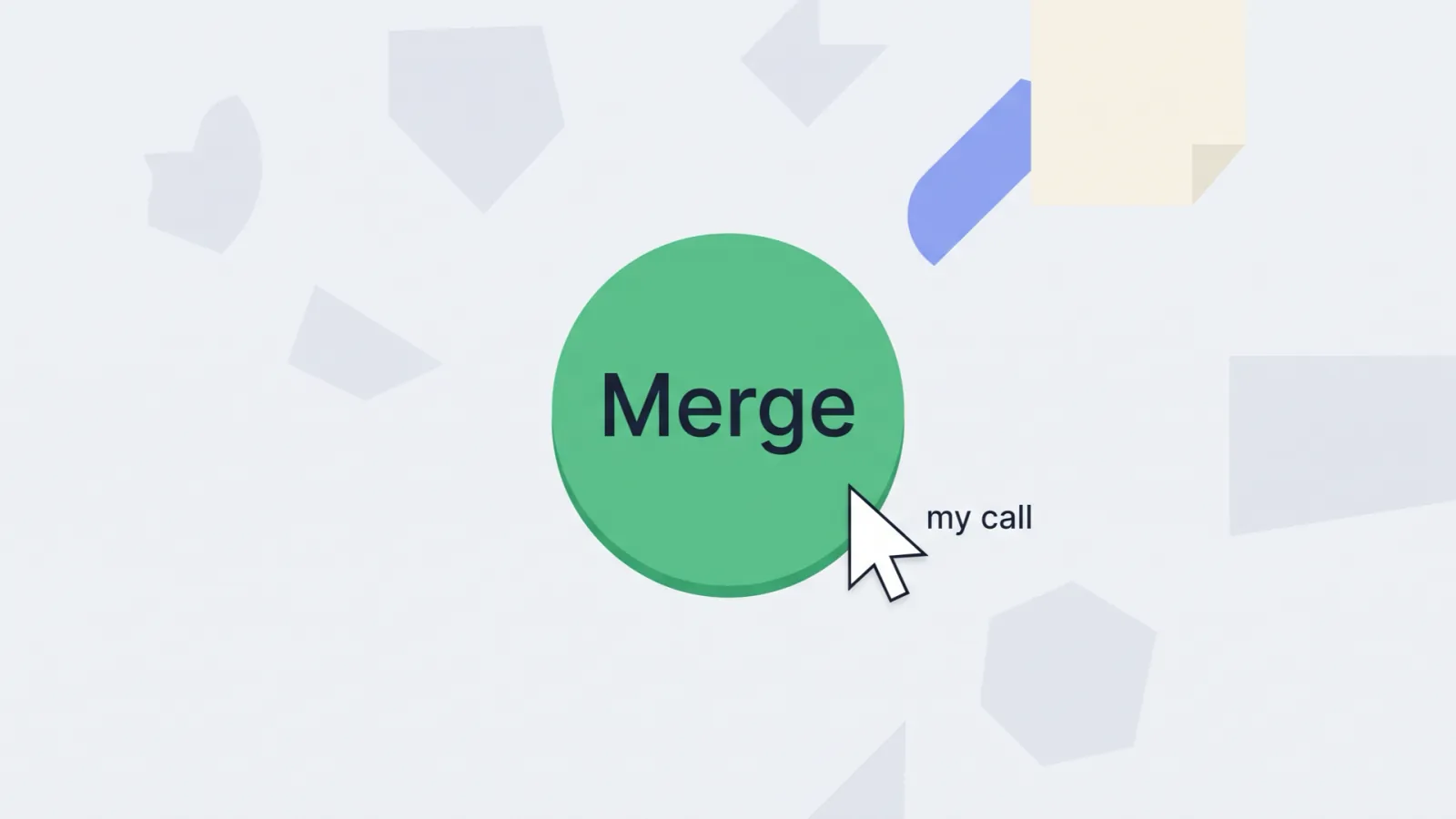
  6. Frame 6: a pointer about to press a large merge button.
    Frame 6 of 6. Nothing merges until I say so.

The three loops

One picture and three steps each.

Illustration: a laptop showing five small windows, and a hand about to click one green button.

Build

Work that ends in code or a written answer.

  1. I describe the job once.
  2. Helper agents work side by side, each in its own tab.
  3. Checks run. Then I decide whether it merges.

The lead agent follows my slipway-fleet skill. It writes a brief for each helper, up to five at a time. Helpers cannot talk to each other. They hand back files.

If code changed, my shipit skill takes it to a pull request. It stops at ready for review. Merging is always my call.

Skills in this loop: slipway-fleet, shipit, commit, create-issue, create-pr, fix-pr-review, rebase.

See what shipit does, step by step
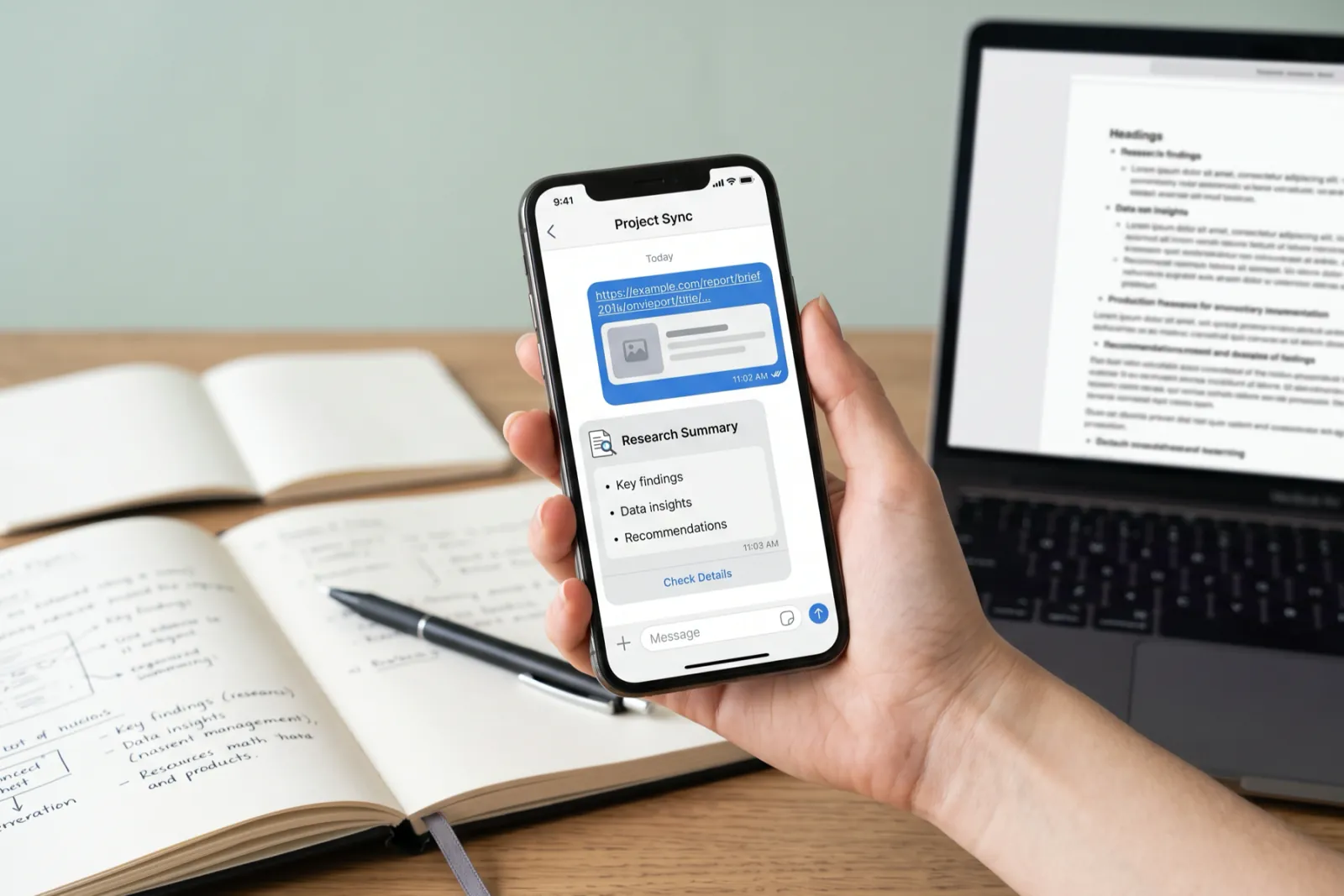

Illustration: a hand holds a phone with a chat, a link going out and a short summary coming back.

Learn

My research notes, kept up by 13 scheduled agents.

  1. I send a link from my phone.
  2. Agents file it in the right notes.
  3. A brief comes back to my phone.

Telegram is the way in and the way out. The notes hold 111 sources. My video-teach skill has written 57 video briefs.

Big changes wait 24 hours before they apply. That gives me time to say no.

Counts as of 11 October 2026, taken from the vault. The agents run on a schedule on my Mac.

Skills in this loop: ingest, teach, video-teach, briefing, synthesise, vault-status, build-pipeline.

See the research vault in the Lab
Illustration: an open notebook with a ticked checklist, beside a desk calendar turned to the next day.

Improve

What each session taught me, kept for the next one.

  1. A working session ends.
  2. The lessons are written down.
  3. The next session starts from them.

My close skill runs at the end of a session. Lessons go where the next run reads them first. Anything I still owe goes on a standing list.

Each scheduled job reads its own lessons file before it runs. When something goes wrong, it adds a line.

Skills in this loop: close, project-init, portfolio-update.

See all my skills
The Slipway window. Agent tabs run along the top. A column on the right lists branches and their GitHub status.
Slipway in use, October 2026. Each tab along the top is one agent. The column on the right lists each branch and its GitHub status.

Where the agents work: Slipway

Slipway is a desktop app for macOS and Windows. Each Git branch gets its own working folder, terminals and GitHub status. It shows what the coding agents in each one are doing.

I built it for my day-to-day work. I wanted many sessions at once, fast GitHub, and quick terminal and file work.

Install Slipway

My skills, the short list

A skill is a written routine an agent follows. I wrote all of these. These are the ones I use most.

shipitShipping
Takes a branch all the way to a pull request ready for review. Never merges.
fix-pr-reviewShipping
Checks each review comment before trusting it. Then it fixes and replies.
slipway-fleetOrchestration
Starts up to five agents, each in its own tab, then combines what they find.
video-teachResearch vault
Turns a video link into a short brief I can read on my phone.
synthesiseResearch vault
Finds patterns across new sources each week. It proposes changes, then waits 24 hours.
closeShipping
Ends a session by saving what it learned.
hub-ux-designUX
Checks a screen against 20 UX laws and a scored rubric before it ships. This page was scored with it.
See every skill and its trigger

Parked, 12 October 2026

A homelab test I parked

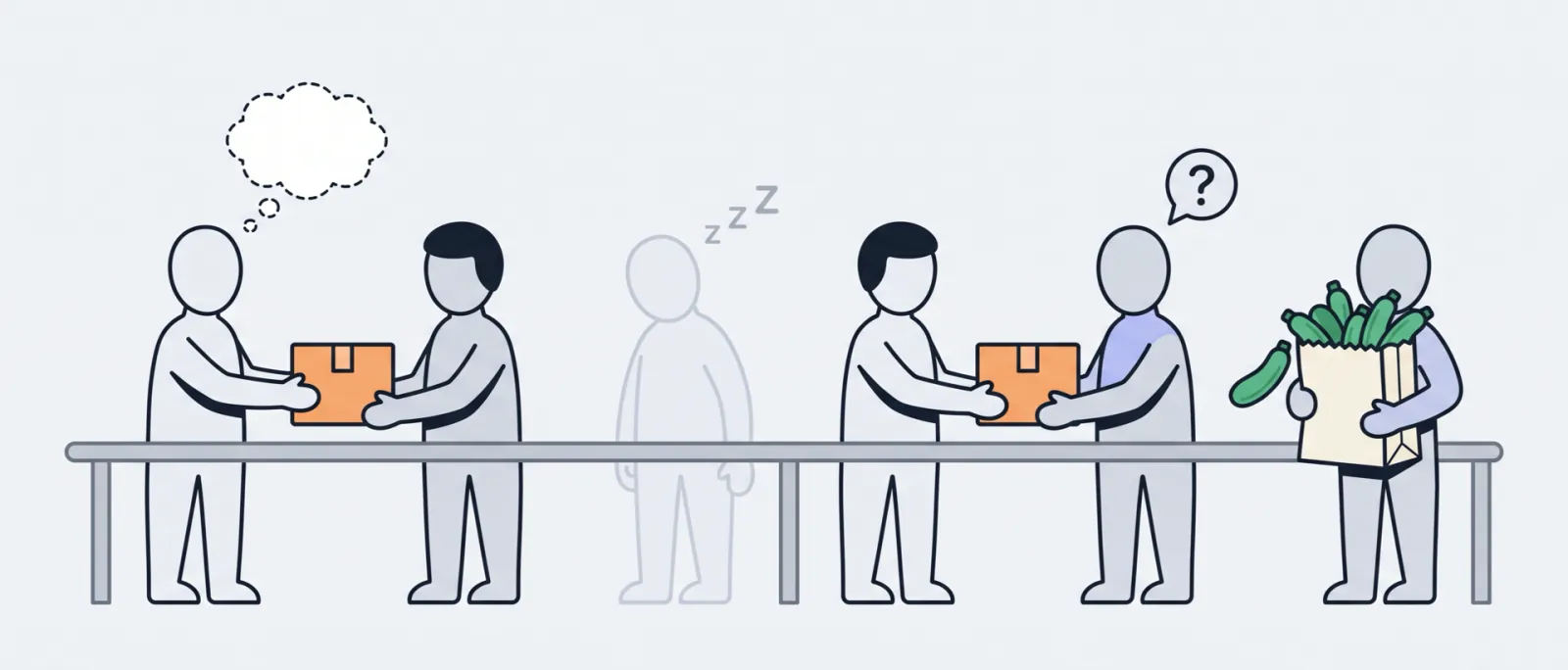
My OpenClaw squad ran at home, not at work. Six agents passed the work along, like a relay. This is why I stopped it.

Illustration: six figures pass a parcel along a rail, like a relay. One has an empty thought bubble. One is asleep and one is confused. The last carries a bag of courgettes.
Left to right: an empty head, a sleeping agent, a confused one, and the courgettes.
  1. A context vampire. It soaked up context and was very expensive.
  2. A heavy harness. It built my AI game benchmark. About 60% of that bill was coordination: $1.83 of overhead for every $1 of building or judging.
  3. It confused itself. Agents did not check their own decisions.
  4. One boss, many agents. One agent giving orders to several others was a bad idea for jobs that repeat.
  5. Models not ready. The job needed far stricter, more predictable output than they gave.
  6. The basics. No context caching, and some downtime.

It once bought 16 courgettes when I wanted 4.

From the benchmark’s own pipeline bill, 2026: builders and judges about $364, coordination about $753.

See what the benchmark showed

Questions about any of this?

I read every message myself.

Send me a message